 Medical Training AI
Practice medicine before it happens.
A tutor that cites its sources, timed simulations with virtual patients, and board-style questions a clinician has reviewed. Built for nurses, NPs, PAs and physicians who want to be ready, not just informed.
No password: sign in with a one-time email link. Educational use only, never patient-specific advice.
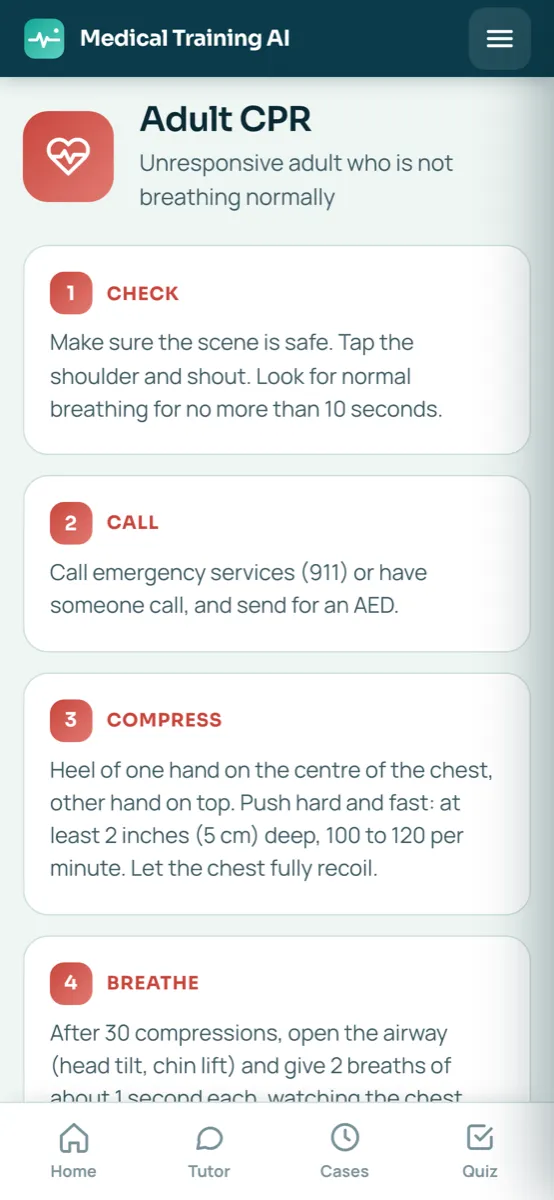
Three ways to train, one app
Each one is grounded in a library of licensed sources: FDA prescribing information, public guidelines and our own course material. When there is no source, the app says so.
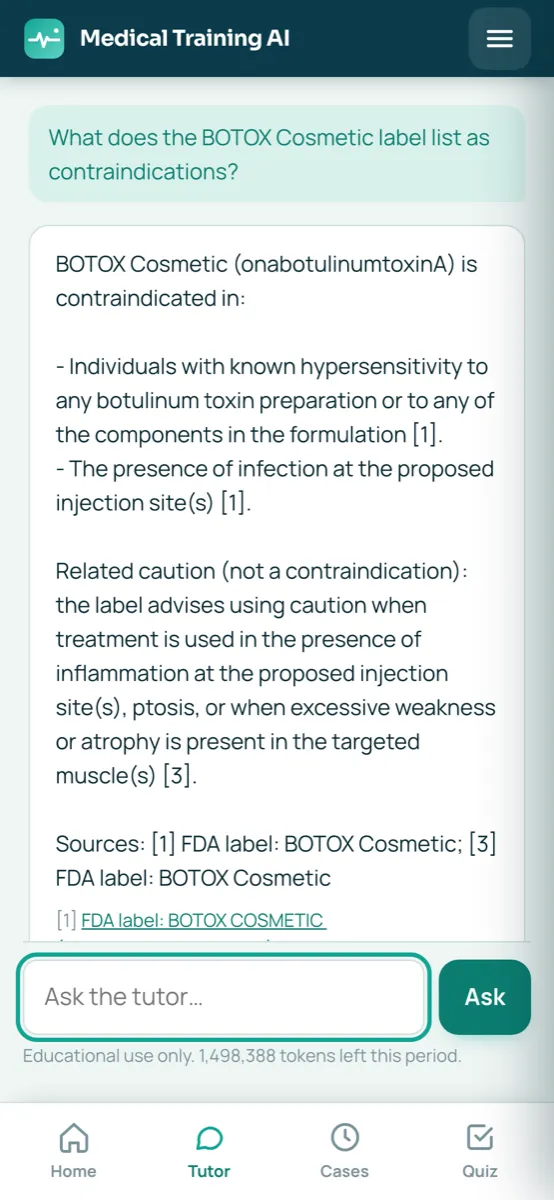
Tutor
Ask about products, protocols, anatomy or exam topics. Every claim carries a citation you can open. Doses only appear when a source states them.
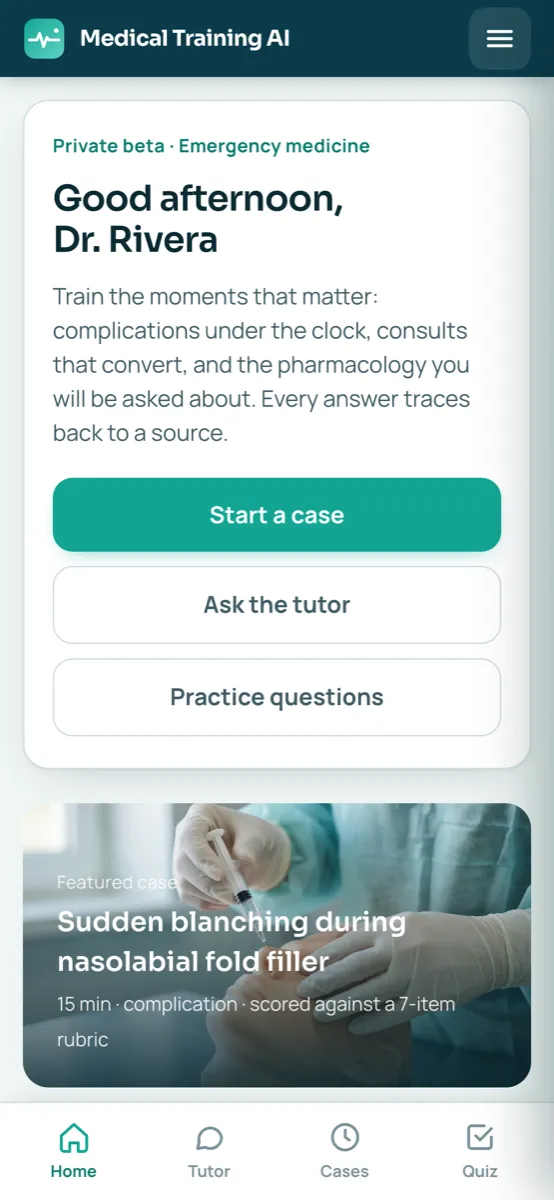
Open nowSimulator
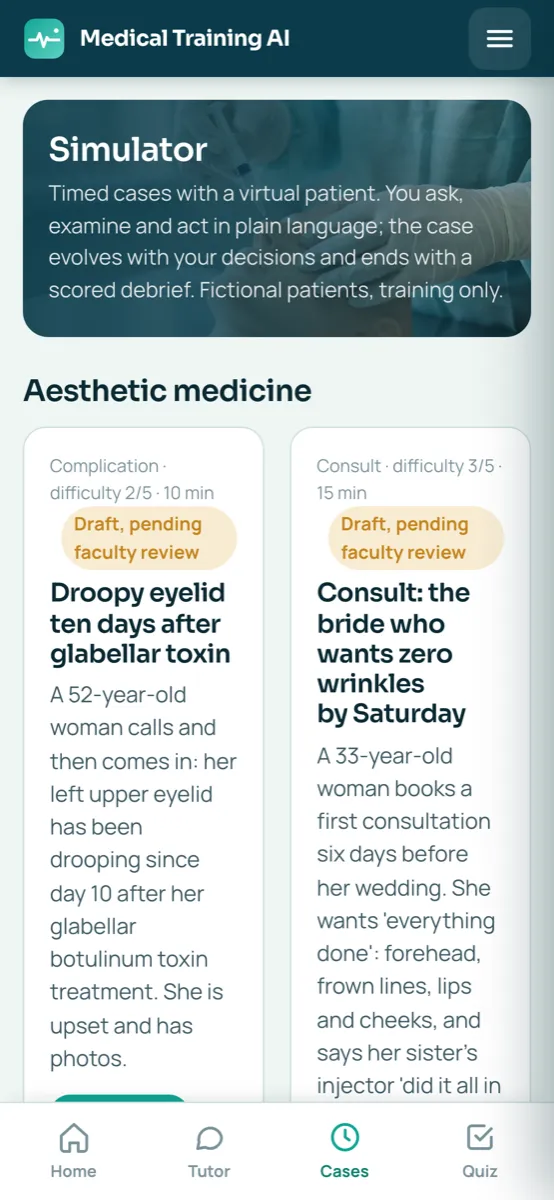
Virtual patients that react to what you ask and do, under the clock. Complications, emergencies and difficult consults, then a scored debrief.
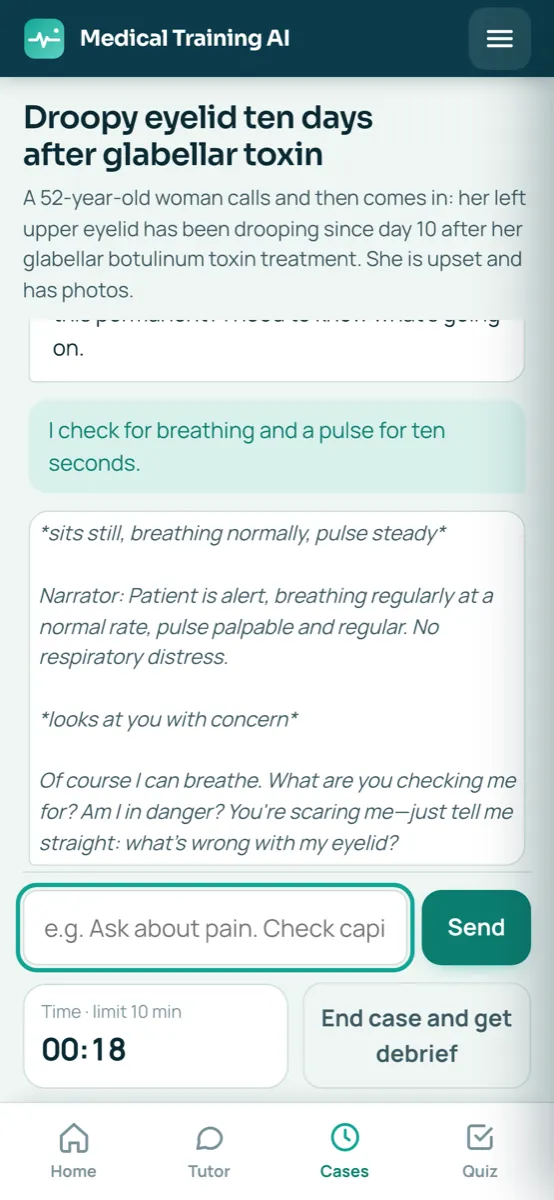
Open nowBoard questions
Exam-style items with an explanation and the passage they come from. Generated from sources, checked twice, approved by a clinician before you see them.
Open nowFits in the pocket of your scrubs
Install it from your phone's browser and it opens like an app: cases between patients, a guide on the wall, a question over coffee.

Install it on your phone
Point your camera at the code, or open app.medicaltraining.ai/install on your phone. It runs from the browser, so there is nothing to download from a store.
- iPhone and iPadOpen it in Safari, tap Share, then Add to Home Screen.
- AndroidOpen it in Chrome, tap the menu (⋮), then Install app or Add to Home screen.
How it works
Ten minutes a day is enough to keep the rare, high-stakes moments fresh.
One-time link, no password. Pick your credential and specialty.
Question the tutor, or start a timed case and talk to the patient in plain language.
Citations under every answer, a rubric under every case, the source passage under every question.
Progress by topic decides what you practice next.
Started in aesthetics, growing to every specialty
The library and question bank expand by specialty. Explore the study tracks, then open the app to practice them.
Built to be trusted, not just impressive
Clinical AI fails when it improvises. This one is designed not to.
- Answers only from licensed sources, with inline citations. No source, no answer.
- No patient data, ever. The app declines real-patient questions and redirects emergencies to your protocol and 911.
- Questions and cases go through clinical review before learners see them; drafts are labeled as drafts.
- Every model call is logged with its sources and version, so mistakes can be traced and fixed.
- Certificates state hours of instruction. We do not claim CME or accreditation.
Questions clinicians ask us
Who is it for?
Physicians, nurse practitioners, physician assistants, nurses, dentists and students who want to rehearse decisions and keep knowledge current across any specialty, from basic life support to subspecialty consults.
Where do the answers come from?
The tutor only answers from indexed sources such as FDA labels, public-domain clinical guidance and reviewed course material, and shows the passage it used. When there is no source, it says so instead of guessing.
Is this medical advice?
No. It is an educational tool for professionals. It never gives advice about a specific patient and never accepts patient data.
Does it award CME credit?
No. You can download a certificate of completion with the hours studied, but it is not accredited continuing education.
What does it cost?
Free to start, with a monthly usage allowance. Paid plans with larger allowances and team features will follow, and early users keep a launch price.
Do I need to install anything?
No app store. Open it in your phone's browser and add it to the home screen; it then opens full screen like a native app.
Free to start
Sign in with your email, no card needed, and try a case in the next five minutes. Invite a colleague and you both get more monthly usage.
Medical Training AI is an educational platform. It does not provide medical advice, diagnosis or treatment, and it is not a substitute for clinical judgment, supervision or your local standard of care.